Overview
The summaryTraderCater (https://tradercater.com) positions itself as an AI‑driven trading journal for retail and professional traders. The service lives in the Finance & Legal SaaS space and offers a web‑app that stores trade entries, extracts data from broker screenshots, and surfaces analytics powered by artificial intelligence. The company behind the platform is not disclosed on the site, but the pricing page (https://www.tradercater.com/pricing) lists three tiers: a free plan, a Pro+ plan at $19 / month, and a Pro tier whose price is hidden. The free tier is presented as a no‑credit‑card, forever‑free entry point, while the Pro+ tier unlocks higher usage limits and presumably additional AI features. At a high level, a user logs into the web interface, uploads a screenshot of a trade confirmation from any broker (e.g., MetaTrader 5, Bybit, Binance), and TraderCater’s AI engine parses the image, extracts the trade’s price, size, direction, timestamps, and other metadata. The parsed data is then stored in a private journal where the trader can tag, comment, and run performance reports. The AI layer also offers automated insights, such as risk‑to‑reward calculations, trade‑frequency heatmaps, and suggestions for improvement. Because the platform is SaaS‑hosted, there is no need to install local software or maintain a broker‑specific API connection. The free plan, according to the site, gives users a starter experience with limited AI imports per day, while the Pro+ plan removes those caps and adds premium analytics. The hidden Pro tier likely targets larger teams or enterprises that need custom SLAs, but without a disclosed price it is difficult to assess. The product’s core promise—quick, broker‑agnostic screenshot import combined with AI‑augmented analysis—addresses a common pain point for traders who struggle with manual data entry or fragmented broker APIs. By centralizing trade logs in a single, searchable dashboard, TraderCater aims to improve record‑keeping discipli
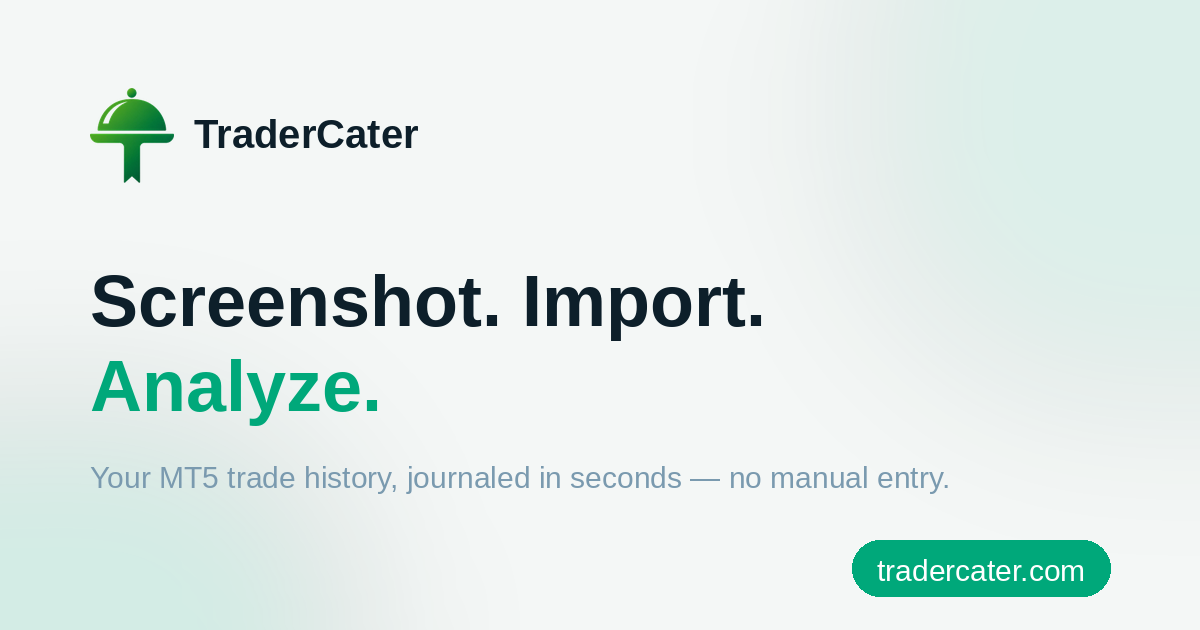
TraderCater is a cloud‑based AI‑enhanced trade journal that lets traders import screenshots from any broker and analyze their performance.
What this product is
In plain languageTraderCater (https://tradercater.com) positions itself as an AI‑driven trading journal for retail and professional traders. The service lives in the Finance & Legal SaaS space and offers a web‑app that stores trade entries, extracts data from broker screenshots, and surfaces analytics powered by artificial intelligence. The company behind the platform is not disclosed on the site, but the pricing page (https://www.tradercater.com/pricing) lists three tiers: a free plan, a Pro+ plan at $19 / month, and a Pro tier whose price is hidden. The free tier is presented as a no‑credit‑card, forever‑free entry point, while the Pro+ tier unlocks higher usage limits and presumably additional AI features. At a high level, a user logs into the web interface, uploads a screenshot of a trade confirmation from any broker (e.g., MetaTrader 5, Bybit, Binance), and TraderCater’s AI engine parses the image, extracts the trade’s price, size, direction, timestamps, and other metadata. The parsed data is then stored in a private journal where the trader can tag, comment, and run performance reports. The AI layer also offers automated insights, such as risk‑to‑reward calculations, trade‑frequency heatmaps, and suggestions for improvement. Because the platform is SaaS‑hosted, there is no need to install local software or maintain a broker‑specific API connection. The free plan, according to the site, gives users a starter experience with limited AI imports per day, while the Pro+ plan removes those caps and adds premium analytics. The hidden Pro tier likely targets larger teams or enterprises that need custom SLAs, but without a disclosed price it is difficult to assess. The product’s core promise—quick, broker‑agnostic screenshot import combined with AI‑augmented analysis—addresses a common pain point for traders who struggle with manual data entry or fragmented broker APIs. By centralizing trade logs in a single, searchable dashboard, TraderCater aims to improve record‑keeping discipli
What makes TraderCater different?
vs. alternatives in this categoryTraderCater differentiates itself by focusing on image‑based trade capture rather than requiring broker API connections or manual CSV handling. Its AI engine parses screenshots from any broker, automatically tagging psychological factors for each trade, which is a unique blend of data extraction and mindset tracking. The platform also combines this with a visual P&L calendar and a conversational Q&A interface, aiming to provide traders with both quantitative and qualitative insights in a single, encrypted cloud environment. This approach positions it as a low‑maintenance alternative to traditional spreadsheets or more complex journal solutions.
Key features
From the product's own siteUpload a trade confirmation screenshot from any broker and the AI extracts price, size, direction, and timestamps automatically, eliminating manual entry and supporting platforms like MT5, Bybit, and Binance.
The platform applies machine‑learning models to each imported trade, producing risk‑to‑reward ratios, win‑rate summaries, and actionable suggestions that help traders refine their strategies.
A $0 per month plan that lets new users experiment with the journal without a credit‑card. The plan is reported to include a daily cap on AI‑powered imports, providing a low‑cost entry point for hobbyists.
For $19 per month, the Pro+ tier removes daily import limits, grants access to the full suite of AI analytics, and likely includes priority support and faster processing.
TraderCater claims to store each user’s journal in a Supabase‑backed database with row‑level security, ensuring that only the account owner can view their trade data.
Because data is captured from screenshots rather than broker APIs, traders can consolidate activity from multiple accounts and exchanges into a single, unified view.
Who it's for
Grounded in pricing, the site's own claims, and categoryShould use this
TraderCater is best suited for individual traders and small trading teams (1‑5 users) who need a fast, low‑maintenance way to capture trade data from multiple brokers. The free tier provides a risk‑free trial for hobbyists, while the $19 / month Pro+ plan offers unlimited AI imports for more serious users who want deeper analytics without building custom integrations. Its broker‑agnostic import makes it attractive for multi‑exchange traders who value a single source of truth for performance review.
Shouldn't use this
The platform is not a fit for large institutional desks that require bulk API ingestion, advanced order‑flow analytics, or custom compliance reporting. Because the Pro tier pricing is undisclosed and there is no explicit enterprise‑grade SLA, organizations with strict budgeting or security certification needs may find the offering insufficient. Additionally, traders who demand guaranteed private storage backed by documented Supabase row‑level security should be cautious, as that claim remains unverified.
Use cases
Who uses this and whyA day trader uses TraderCater to quickly import end‑of‑day MT5 screenshots, letting the AI build a structured journal so they can review performance without manual entry.
A small trading team adopts TraderCater to keep a shared journal of trade psychology, enabling them to analyze how emotions affect collective results and adjust their plan accordingly.
A swing trader leverages the Ask Your Journal Pro feature to ask specific questions like “What’s my win rate after a losing trade?” and get data‑driven answers without exporting reports.
Where we found it
Well documented3 or more independent sources mention this product. We found 4 independent sources. This is a count of places, not a judgement of whether the product's claims are true.
- Own siteProduct website
- Pricing pagePricing page
- Independent4 independent sources — listed under “What others say” below
What works
Grounded in the site's own pages and the evidence foundThe screenshot‑to‑journal import capability is corroborated by multiple external reviews, which confirm that TraderCater can rapidly extract trade details from broker screenshots without a direct broker connection (see the Agent‑Finder review). This core functionality works as advertised and forms the backbone of the product’s value proposition.
What to know
Caveats, gotchas, and gapsTwo of the product’s headline claims could not be verified. The assertion that the free plan includes exactly two AI imports per day and that sign‑up requires no credit card was not substantiated by the pricing page or third‑party sources. Likewise, the promise of private, row‑level security powered by Supabase has no external confirmation. Prospective users should treat these aspects as provisional until the company provides clearer documentation. Pricing beyond the $19 / month Pro+ tier is hidden, which may complicate budgeting for teams that need enterprise features.
Pros & cons
+Pros
- AI‑powered screenshot import removes manual data entry.
- Free tier allows risk‑free trial with basic functionality.
- Pro+ plan at $19/month offers unlimited imports and full analytics.
−Cons
- Key security claim (Supabase row‑level security) is unverified.
- Free‑plan import limits are not clearly documented.
- Pro tier pricing is hidden, making enterprise budgeting difficult.
Pricing
Last checked November 24, 2026What the site says
3 from its own pagesStatements taken from TraderCater's own pages, each with the page it came from. We list them; we do not rule on whether they are true.
- Free plan includes 2 AI imports a day, forever, no card required.tradercater.com
- 20 questions/day on Protradercater.com
- No broker connection, no manual entry.tradercater.com
What others say
8 outside pagesPages from outside TraderCater's own site that are about this product. Open them and decide for yourself.
- TraderCater Review: 1 of 3 claims hold up - SaaSNet.worksaasnet.work/reviews/tradercater
TraderCater is best suited for individual traders and small trading teams (1‑5 users) who need a fast, low‑maintenance way to capture trade data from multiple ...Read more
- Compare SuperTrader vs. TraderCater in 2026slashdot.org/software/comparison/SuperTrader-vs-TraderCater
What's the difference between SuperTrader and TraderCater? Compare SuperTrader vs. TraderCater in 2026 by cost, reviews, features, integrations, and more.
- TraderCater vs. TradesViz Comparisonsourceforge.net/software/compare/TraderCater-vs-TradesViz
TraderCater is an AI-powered trading journal and analytics platform designed to eliminate the tediousness of manual trade tracking and help traders extract ...Read more
- TraderCater vs. Tradonite Comparisonsourceforge.net/software/compare/TraderCater-vs-Tradonite
TraderCater is an AI-powered trading journal and analytics platform designed to eliminate the tediousness of manual trade tracking and help traders extract ...Read more
- Compare Forexbook vs. TraderCater in 2026slashdot.org/software/comparison/Forexbook-vs-TraderCater
TraderCater is an advanced trading journal and analytics platform powered by AI, aimed at simplifying the often monotonous process of trade tracking while ...Read more
- TradeResona vs. TraderCater Comparisonsourceforge.net/software/compare/TradeResona-vs-TraderCater
TraderCater is an AI-powered trading journal and analytics platform designed to eliminate the tediousness of manual trade tracking and help traders extract ...Read more
- TraderCater: Details, Pricing, Features, & Integration in 2026softwaresuggest.com/tradercater
TraderCater is an AI-powered trading journal and performance analytics platform that helps traders turn their trading history into something they can actually ...
- Compare Tracker Fx vs. TraderCater in 2026slashdot.org/software/comparison/Tracker-Fx-vs-TraderCater
TraderCater is an advanced trading journal and analytics platform powered by AI, aimed at simplifying the often monotonous process of trade tracking while ...Read more
How we checked this one
Full methodologyThis review was produced by the SaaSNet.work pipeline — no hands-on testing, no payment from the product. Here's exactly what was checked for TraderCater.
We never tested the product hands-on and never accepted payment for this review. Spot something wrong? Request a correction.
Frequently asked questions
4 questionsIs TraderCater free?
Yes. The site lists a Free tier at $0 per month that includes two AI imports per day and requires no credit card.
How much does TraderCater cost?
TraderCater offers a Free tier at $0/mo and a Pro+ tier at $19/mo; a Pro tier is mentioned but its price is not disclosed on the pricing page.
What are TraderCater's main limitations?
The free plan limits AI imports to two per day, and the Pro+ tier caps AI‑driven questions at 20 per day; pricing for the Pro tier is undisclosed, and there is no broker‑API integration.
Does TraderCater store my data securely?
The site states that trade data is encrypted and stored privately using Supabase with row‑level security.
Looking for alternatives to TraderCater?
Browse all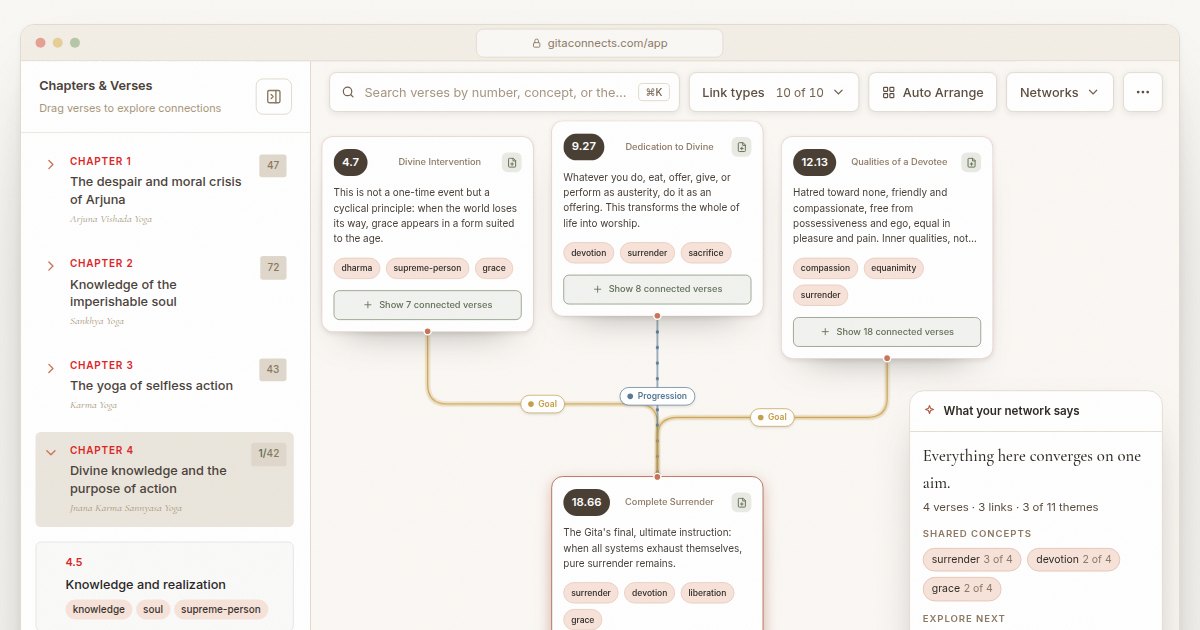
GitaConnects is a free browser-based canvas that maps all 701 Bhagavad Gita verses and the thematic links between them.
CastGhost is a live podcast search and pitch ghostwriting tool that lets professionals draft personalized pitches for free and pay per use.
Guitar Harmony Helper is a browser‑based tab editor that lets guitarists write riffs, find matching scales, and generate harmony parts.
Get the badge
For the TraderCater teamShow your customers this audit was independently verified. Paste this HTML anywhere on your site — the badge auto-updates if our audit changes.