
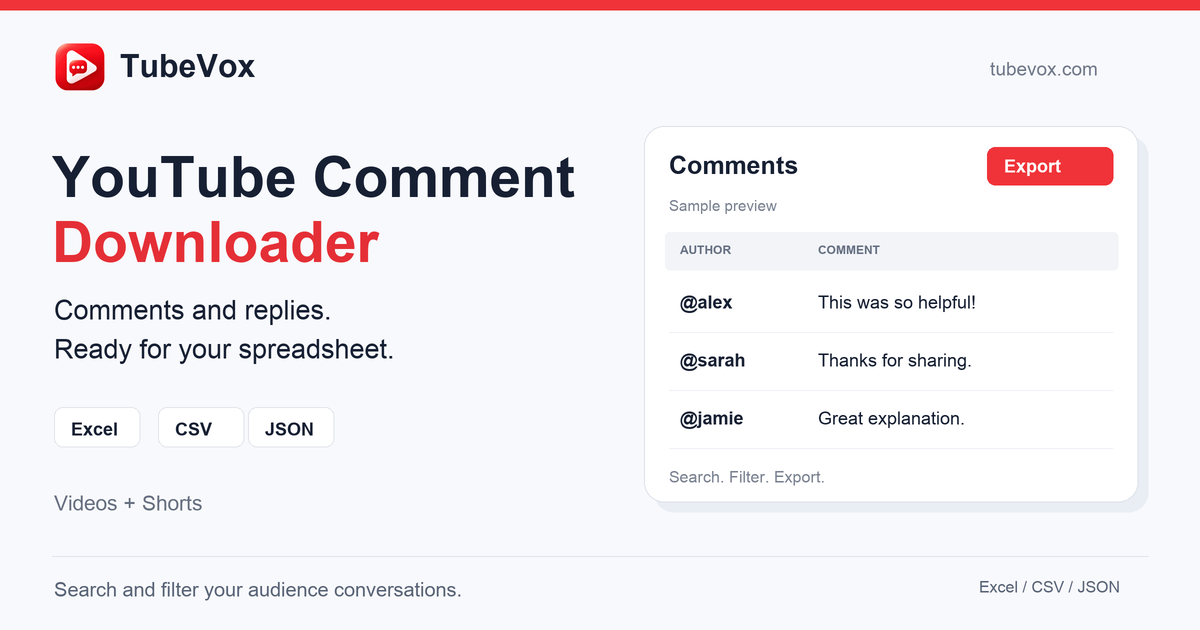
Overview
The summaryTubeVox AI is a web‑based platform that turns the comment sections of public YouTube videos, Shorts, and livestreams into clean, structured datasets. Users paste a video URL, the service validates it, and then asynchronously pulls every visible comment, including likes, timestamps, and reply hierarchy. The extracted data can be searched, filtered by author, likes, or date, and downloaded in CSV, XLSX, or JSON formats suitable for spreadsheet analysis or data‑science workflows. The service is positioned for anyone who needs to study YouTube audience feedback at scale, from market researchers to content creators. Extraction runs in the background using Redis and BullMQ workers, so the browser remains responsive even for large comment volumes. While exporting the results is free, each extracted comment consumes one credit, and the site does not disclose the monetary cost of those credits. No local software installation or API keys are required; access is managed through a Google sign‑in.
TubeVox AI lets users extract, filter and export YouTube comments into structured CSV, XLSX, or JSON datasets without installing software.
What this product is
In plain languageTubeVox AI is a web‑based platform that turns the comment sections of public YouTube videos, Shorts, and livestreams into clean, structured datasets. Users paste a video URL, the service validates it, and then asynchronously pulls every visible comment, including likes, timestamps, and reply hierarchy. The extracted data can be searched, filtered by author, likes, or date, and downloaded in CSV, XLSX, or JSON formats suitable for spreadsheet analysis or data‑science workflows. The service is positioned for anyone who needs to study YouTube audience feedback at scale, from market researchers to content creators. Extraction runs in the background using Redis and BullMQ workers, so the browser remains responsive even for large comment volumes. While exporting the results is free, each extracted comment consumes one credit, and the site does not disclose the monetary cost of those credits. No local software installation or API keys are required; access is managed through a Google sign‑in.
From TubeVox AI's own site:“YouTube Comment Extraction, Analysis & Export Platform”
What makes TubeVox AI different?
vs. alternatives in this categoryTubeVox AI differentiates itself by offering a purely browser‑based experience that eliminates the need for local scraping tools or complex cloud setups. Its asynchronous extraction architecture, powered by Redis and BullMQ, ensures that large comment sets can be gathered without degrading user interaction. While many comment‑scraping services charge per export, TubeVox separates extraction (credit‑based) from export (free), allowing users to obtain clean datasets in CSV, XLSX, or JSON without additional download fees. The focus on structured output and built‑in search/filter tools targets analysts who need ready‑to‑use data rather than raw HTML dumps.
Key features
From the product's own sitePulls all comments from any public YouTube video, Shorts, or livestream, including like counts and timestamps.
Uses Redis and BullMQ background workers so extraction does not freeze the browser tab.
Provides downloads in CSV, XLSX, and JSON, ready for Excel, Google Sheets, or programmatic analysis.
Allows users to search by text or author and filter by likes, type, or date before exporting.
Shows a sample of the formatted export directly in the web UI for quick validation.
Who it's for
Grounded in pricing, the site's own claims, and categoryShould use this
Researchers, marketers, and content creators who need bulk YouTube comment data for analysis and have a budget for per‑comment credits. It fits small to medium teams that prefer a no‑install, web‑only workflow.
Shouldn't use this
Users looking for a completely free extraction solution, as each comment requires a credit and pricing is not published. Also unsuitable for those needing API access, on‑premise deployment, or support for private or unlisted videos.
Use cases
Who uses this and whyMarket researchers uses TubeVox AI to pull large comment datasets for sentiment analysis because the platform delivers clean CSV files ready for data‑science workflows.
Content creators uses TubeVox AI to monitor audience feedback across videos because they can filter by likes and dates without manual scrolling.
Data analysts uses TubeVox AI to combine YouTube comment data with internal metrics because exports are available in JSON for programmatic ingestion.
Where we found it
Little foundLittle found outside the product's own pages and its launch listing. Common for a new product. We found 0 independent sources. This is a count of places, not a judgement of whether the product's claims are true.
- Own siteProduct website
- Pricing pagePricing page
- Product HuntProduct Hunt listing
What works
Grounded in the site's own pages and the evidence foundThe site says extraction runs on Redis & BullMQ background workers, preventing browser tabs from freezing. It also states that all exports in TubeVox V1 are completely free, and that 1 credit equals 1 comment extracted. Pricing data lists a limit of “1 credit”, confirming the credit‑per‑comment model.
What to know
Caveats, gotchas, and gapsPricing details are not disclosed on the pricing page; the only quantitative limit shown is a single credit. The site does not reveal how much a credit costs, leaving the total cost of larger extractions unclear. The product’s own pages do not specify support for private videos or an API. This is a recent launch with limited third‑party coverage.
Pros & cons
+Pros
- Provides ready‑to‑use CSV, XLSX, and JSON exports that fit directly into spreadsheet and data‑science pipelines.
- Extraction runs asynchronously via Redis and BullMQ, preventing browser tabs from freezing during large comment pulls.
- No software installation is required; users interact through a web interface after signing in with Google.
−Cons
- Pricing information is not published; the site only mentions a credit per comment model without stating the cost per credit.
- The only documented limit is a single credit, leaving unclear how many comments can be extracted under a typical plan.
- Exports are free, but extracting comments still requires credits, which may be a barrier for users needing large volumes.
What the site says
3 from its own pagesStatements taken from TubeVox AI's own pages, each with the page it came from. We list them; we do not rule on whether they are true.
- 1 credit = 1 comment extracted.tubevox.com
- All exports in TubeVox V1 are completely free (0 credits).tubevox.com
- Redis & BullMQ background workers handle extraction without freezing browser tabs.tubevox.com
What others say
0 outside pagesWe found no independent pages about TubeVox AI yet. That is normal for a new launch, and it is a fact about coverage, not a mark against the product.
How we checked this one
Full methodologyThis review was produced by the SaaSNet.work pipeline — no hands-on testing, no payment from the product. Here's exactly what was checked for TubeVox AI.
We never tested the product hands-on and never accepted payment for this review. Spot something wrong? Request a correction.
Frequently asked questions
3 questionsIs TubeVox AI free?
The site says all exports in TubeVox V1 are completely free and downloading results costs no credits, but extracting comments consumes credits (1 credit per comment).
How much does TubeVox AI cost?
The pricing page does not list any tiered prices; the only limit shown is “1 credit”, and the site states that 1 credit equals one extracted comment, with no published price per credit.
What are TubeVox AI's main limitations?
Extraction requires credits per comment, and pricing information is not disclosed; the service currently works only with public YouTube videos, Shorts, and livestreams.
Looking for alternatives to TubeVox AI?
Browse all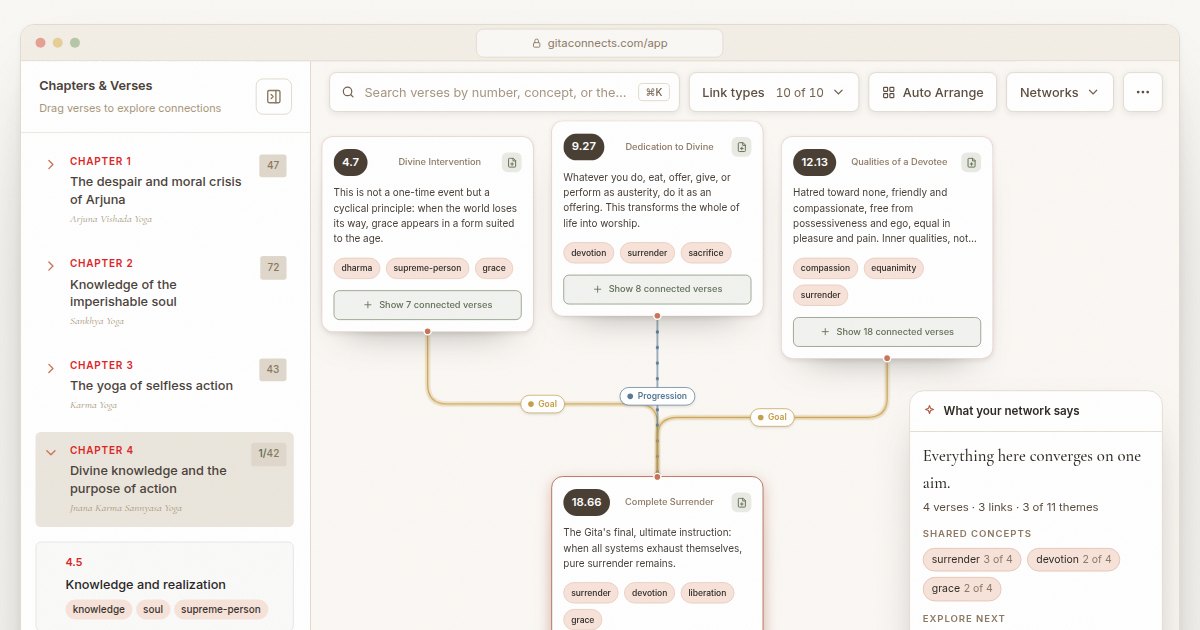
GitaConnects is a free browser-based canvas that maps all 701 Bhagavad Gita verses and the thematic links between them.
CastGhost is a live podcast search and pitch ghostwriting tool that lets professionals draft personalized pitches for free and pay per use.
Guitar Harmony Helper is a browser‑based tab editor that lets guitarists write riffs, find matching scales, and generate harmony parts.