
Overview
The summaryScrelio positions itself as an all‑in‑one screen recorder and editor aimed at YouTube creators who need to turn raw screen captures into finished tutorials without spending hours in post‑production. Users can record a full desktop, a single application window, or a custom region, capture microphone and system audio together, and optionally overlay a webcam feed. The interface provides automatic zooms that focus on important UI elements, and users can fine‑tune these zooms, add motion blur, highlight the cursor, and insert captions, arrows, or images directly on the timeline. After recording, Screlio’s editor lets creators trim pauses, cut out dead time, speed up repetitive steps, and blur sensitive information. Projects can be saved for later revisions, and the final output can be exported as an MP4 video or a GIF, with adjustable aspect ratios and resolutions to match YouTube or social‑media requirements. Pricing is offered through a free trial, a monthly plan at $14.99, and an annual plan at $99, with no perpetual free tier.
Screlio is a Windows and macOS screen‑recording tool that lets creators produce polished tutorials quickly using built‑in editing and automatic zooms.
What this product is
In plain languageScrelio positions itself as an all‑in‑one screen recorder and editor aimed at YouTube creators who need to turn raw screen captures into finished tutorials without spending hours in post‑production. Users can record a full desktop, a single application window, or a custom region, capture microphone and system audio together, and optionally overlay a webcam feed. The interface provides automatic zooms that focus on important UI elements, and users can fine‑tune these zooms, add motion blur, highlight the cursor, and insert captions, arrows, or images directly on the timeline. After recording, Screlio’s editor lets creators trim pauses, cut out dead time, speed up repetitive steps, and blur sensitive information. Projects can be saved for later revisions, and the final output can be exported as an MP4 video or a GIF, with adjustable aspect ratios and resolutions to match YouTube or social‑media requirements. Pricing is offered through a free trial, a monthly plan at $14.99, and an annual plan at $99, with no perpetual free tier.
From Screlio's own site:“Polished screen tutorials, with less editing”
What makes Screlio different?
vs. alternatives in this categoryScrelio’s main differentiation is the combination of automatic zooms and a lightweight editor built directly into the recording workflow, allowing creators to focus on content rather than post‑production. By integrating webcam overlay, cursor highlighting, and easy captioning, it aims to replace the typical two‑step process of recording with a separate editing suite. The product also markets itself as a single‑install solution for both Windows and macOS, targeting creators who want a streamlined path from raw capture to YouTube‑ready video.
Key features
From the product's own siteRecord the whole desktop, a single app, or a custom region, with simultaneous microphone and system audio.
The tool adds automatic zooms to bring details into focus, which can be manually adjusted for timing and extent.
Trim pauses, crop distractions, add motion blur, and speed up sections directly on a timeline without external software.
Add a resizable webcam window so viewers can see the presenter alongside the screen content.
Make the cursor stand out and highlight clicks to guide viewers through each step.
Save the entire tutorial project to revisit, revise, or replace sections without rebuilding from scratch.
Who it's for
Grounded in pricing, the site's own claims, and categoryShould use this
Screlio is suited for individual creators, small teams, or educators who regularly produce software walkthroughs or app demos and prefer a single tool that combines recording and light editing. Its pricing tiers accommodate both occasional users (via the free trial) and regular publishers willing to pay $99 per year or $14.99 per month.
Shouldn't use this
The product may not meet the needs of large production studios that require advanced multi‑track audio, extensive visual effects, or collaborative editing workflows. Users seeking a completely free, unlimited solution will also need to move to a paid plan after the trial period.
Use cases
Who uses this and whyA tech educator uses Screlio to record step‑by‑step software demos because the automatic zoom and caption tools let them highlight critical UI elements without extensive editing.
A freelance marketer creates product walkthroughs for client websites, leveraging the webcam overlay and cursor highlighting to keep the audience engaged while staying within a simple editing environment.
An indie game developer documents gameplay tutorials, using the built‑in editor to trim dead time, add motion blur for fast pans, and export short GIFs for social media promotion.
Where we found it
Little foundLittle found outside the product's own pages and its launch listing. Common for a new product. We found 0 independent sources. This is a count of places, not a judgement of whether the product's claims are true.
- Own siteProduct website
- Pricing pagePricing page
- Product HuntProduct Hunt listing
What works
Grounded in the site's own pages and the evidence foundThe site says Screlio lets users capture screen, add automatic zooms, and edit directly to produce polished YouTube tutorials. It also states that users can trim pauses, highlight clicks, and export to MP4 or GIF without additional software. Pricing information is disclosed on the site, offering a free trial, a $14.99 monthly plan, and a $99 annual plan.
What to know
Caveats, gotchas, and gapsA free tier is not offered; the only cost‑free option is a time‑limited free trial before moving to a paid plan. The site lists an annual price of $99 and a monthly price of $14.99, but also mentions a discounted $49 per year without a corresponding tier in the pricing data. No usage limits such as recording length or export counts are documented beyond the 5‑minute demo restriction. This is a recent launch with limited third‑party coverage.
Pros & cons
+Pros
- Combines screen capture and basic editing in a single application, reducing the need for multiple tools.
- Automatic zooms and cursor highlighting help viewers focus on key actions without manual post‑production.
- Clear pricing with disclosed monthly and annual options after a free trial.
−Cons
- No permanent free plan; users must upgrade after the trial to continue using the software.
- Limited to basic editing features; advanced effects or multi‑track audio are not provided.
- The site mentions a $49 discounted annual price that is not reflected in the official pricing tiers.
Pricing
Last checked November 7, 2026Price not shown on the public pricing page — contact the product for a quote.
What the site says
3 from its own pagesStatements taken from Screlio's own pages, each with the page it came from. We list them; we do not rule on whether they are true.
- Full access costs $99 per year, or $49 per year discounted.screlio.com
- The free Windows demo allows up to 5 minutes per recording and requires no account or payment.screlio.com
- Screlio can be connected through MCP to make changes to your video.screlio.com
What others say
0 outside pagesWe found no independent pages about Screlio yet. That is normal for a new launch, and it is a fact about coverage, not a mark against the product.
How we checked this one
Full methodologyThis review was produced by the SaaSNet.work pipeline — no hands-on testing, no payment from the product. Here's exactly what was checked for Screlio.
We never tested the product hands-on and never accepted payment for this review. Spot something wrong? Request a correction.
Frequently asked questions
4 questionsIs Screlio free?
Screlio does not have a permanent free tier; it offers a free trial that allows users to test the software before committing to a paid plan.
How much does Screlio cost?
After the free trial, Screlio is priced at $14.99 per month or $99 per year, as disclosed on the pricing page.
What are Screlio's main limitations?
The site does not list explicit limits on recording length or export volume for paid plans, but the demo version restricts recordings to five minutes.
Can I edit videos after I’ve exported them?
Screlio’s workflow focuses on editing before export; once a tutorial is exported as MP4 or GIF, further edits must be made in the original project and re‑exported.
Looking for alternatives to Screlio?
Browse all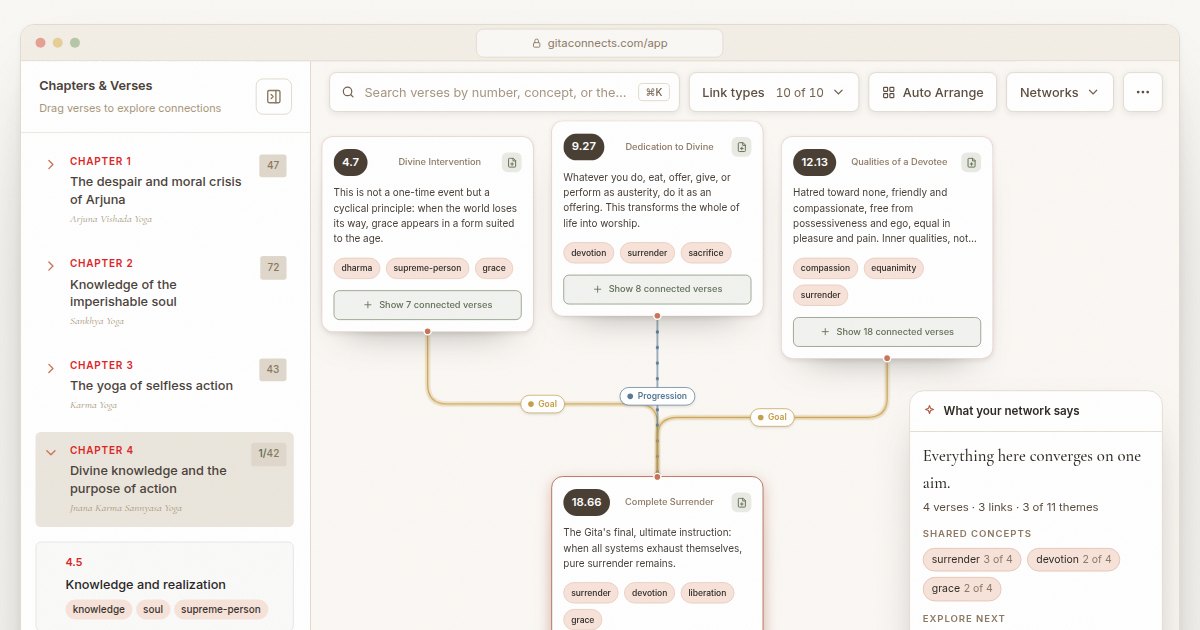
GitaConnects is a free browser-based canvas that maps all 701 Bhagavad Gita verses and the thematic links between them.
CastGhost is a live podcast search and pitch ghostwriting tool that lets professionals draft personalized pitches for free and pay per use.
Guitar Harmony Helper is a browser‑based tab editor that lets guitarists write riffs, find matching scales, and generate harmony parts.
Get the badge
For the Screlio teamShow your customers this audit was independently verified. Paste this HTML anywhere on your site — the badge auto-updates if our audit changes.