
Overview
The summaryRabbit Labs is a newly launched suite of three browser‑based tools accessible via free extensions on the Chrome Web Store. The Rabbit Ad Blocker removes requests, ad slots, pop‑ups and video ads from webpages, reporting blocked items on its UI. The Smart Tab extension archives inactive tabs locally, freeing RAM and reporting saved memory; the site notes a 2.1 GB reduction after use. Filebender is an online file conversion service that compresses, resizes, and changes formats for images, documents and video files without requiring any software installation. Users can upload files from a device, Google Drive, a link, or a phone, select a target format, and receive a converted file that is deleted after an hour. The suite targets users who spend many hours in a browser and want to reduce visual clutter, improve laptop performance, and handle occasional file format needs without installing additional applications. All three tools are advertised as free, require no user account, and claim to collect no trackers. Pricing information beyond the free tier is not provided on the site; the only explicit limit mentioned is that the Filebender free plan has 18 conversions remaining. The product’s website emphasizes a lightweight, privacy‑focused approach, aligning with its tagline “Quieter pages, lighter tabs, files that fit.”
Rabbit Labs offers three free browser extensions—an ad blocker, a tab‑memory saver, and an online file converter—to streamline web browsing and file handling.
What this product is
In plain languageRabbit Labs is a newly launched suite of three browser‑based tools accessible via free extensions on the Chrome Web Store. The Rabbit Ad Blocker removes requests, ad slots, pop‑ups and video ads from webpages, reporting blocked items on its UI. The Smart Tab extension archives inactive tabs locally, freeing RAM and reporting saved memory; the site notes a 2.1 GB reduction after use. Filebender is an online file conversion service that compresses, resizes, and changes formats for images, documents and video files without requiring any software installation. Users can upload files from a device, Google Drive, a link, or a phone, select a target format, and receive a converted file that is deleted after an hour. The suite targets users who spend many hours in a browser and want to reduce visual clutter, improve laptop performance, and handle occasional file format needs without installing additional applications. All three tools are advertised as free, require no user account, and claim to collect no trackers. Pricing information beyond the free tier is not provided on the site; the only explicit limit mentioned is that the Filebender free plan has 18 conversions remaining. The product’s website emphasizes a lightweight, privacy‑focused approach, aligning with its tagline “Quieter pages, lighter tabs, files that fit.”
From Rabbit Labs's own site:“Quieter pages, lighter tabs, files that fit.”
What makes Rabbit Labs different?
vs. alternatives in this categoryRabbit Labs positions itself as a minimalist, privacy‑first alternative to larger, more intrusive browser extensions and desktop conversion tools. By bundling an ad blocker, a tab‑memory manager, and a cloud‑based file converter into three separate free extensions, it aims to cover three common pain points in web productivity without requiring user accounts or collecting trackers. The product’s claim of measurable savings—such as 2.1 GB of RAM reclaimed—provides a concrete performance metric that distinguishes it from generic ad blockers that do not report resource impact. The focus on “quieter pages, lighter tabs, files that fit” encapsulates a holistic approach to a lean browsing experience.
Key features
From the product's own siteBlocks requests, ad slots, pop‑ups and video ads on webpages, showing a count of items blocked per page.
Archives inactive tabs locally, freeing RAM; the site reports 2.1 GB of memory saved after archiving 14 tabs.
Converts, compresses and resizes images, documents and videos online, with files deleted after an hour.
Both extensions and the Filebender service operate without user accounts, and the site states they collect zero trackers.
Filebender offers a free plan that currently has 18 conversions left, as indicated on the homepage.
Who it's for
Grounded in pricing, the site's own claims, and categoryShould use this
Users who need a lightweight, no‑install solution for ad‑free browsing, tab‑memory management, and occasional file conversion. It suits individuals or small teams on a tight budget who prefer free tools that do not require sign‑up.
Shouldn't use this
Organizations that require guaranteed SLA, enterprise‑grade support, or integrated workflows beyond the three standalone tools. Users needing unlimited conversions or detailed pricing plans will find the current offering insufficient.
Use cases
Who uses this and whyA remote worker uses Rabbit Smart Tab to archive research tabs, freeing laptop RAM for video calls and coding sessions.
A freelance graphic designer employs Filebender to quickly convert client‑sent HEIC images to JPG without installing additional software.
A student activates Rabbit Ad Blocker during online lectures to eliminate distracting ads and pop‑ups, keeping focus on educational content.
Where we found it
Little foundLittle found outside the product's own pages and its launch listing. Common for a new product. We found 0 independent sources. This is a count of places, not a judgement of whether the product's claims are true.
- Own siteProduct website
- Product HuntProduct Hunt listing
What works
Grounded in the site's own pages and the evidence foundThe site says the Ad Blocker stops 29 requests, 4 ad slots, 2 pop‑ups and 1 video ad on a sample page. The Smart Tab extension reports saving 2.1 GB of memory after archiving 14 tabs. Filebender’s free plan is limited to 18 conversions, as the site states.
What to know
Caveats, gotchas, and gapsPricing details beyond the free tier are not disclosed; no pricing page was found and no tiers are listed. The homepage does not explain what happens after the free conversions are used or whether paid options exist. This is a recent launch with limited third‑party coverage.
Pros & cons
+Pros
- Ad blocker removes multiple ad formats and reports blocked items per page.
- Smart Tab provides a quantifiable memory‑saving metric after archiving tabs.
- Filebender converts a variety of file types without requiring local installation.
−Cons
- No publicly disclosed pricing or paid‑plan information beyond the free tier.
- Filebender free plan has a limited number of conversions (18 left) and no clear upgrade path.
- Functionality is limited to three separate tools; there is no integrated suite or cross‑tool workflow.
What the site says
3 from its own pagesStatements taken from Rabbit Labs's own pages, each with the page it came from. We list them; we do not rule on whether they are true.
- The free plan has 18 left.rabbitlabs.app
- Smart Tab saved 2.1 GB of memory.rabbitlabs.app
- The extensions need 0 accounts.rabbitlabs.app
What others say
0 outside pagesWe found no independent pages about Rabbit Labs yet. That is normal for a new launch, and it is a fact about coverage, not a mark against the product.
How we checked this one
Full methodologyThis review was produced by the SaaSNet.work pipeline — no hands-on testing, no payment from the product. Here's exactly what was checked for Rabbit Labs.
We never tested the product hands-on and never accepted payment for this review. Spot something wrong? Request a correction.
Frequently asked questions
4 questionsIs Rabbit Labs free?
Yes, the three extensions and the Filebender service are offered at no cost, and the site states they require zero accounts.
How much does Rabbit Labs cost?
Pricing beyond the free tier is not disclosed on the website; the only limit mentioned is that the Filebender free plan has 18 conversions remaining.
Do the extensions collect any data?
The site claims the extensions collect zero trackers and do not require user accounts.
What are the main limitations of Rabbit Labs?
Filebender’s free tier is limited to a set number of conversions, and there is no publicly available information about paid plans or enterprise features.
Looking for alternatives to Rabbit Labs?
Browse all
Professional-Headshot.ai turns everyday selfies into studio‑style headshots in about a minute, with a free first image and pay‑as‑you‑go credits.
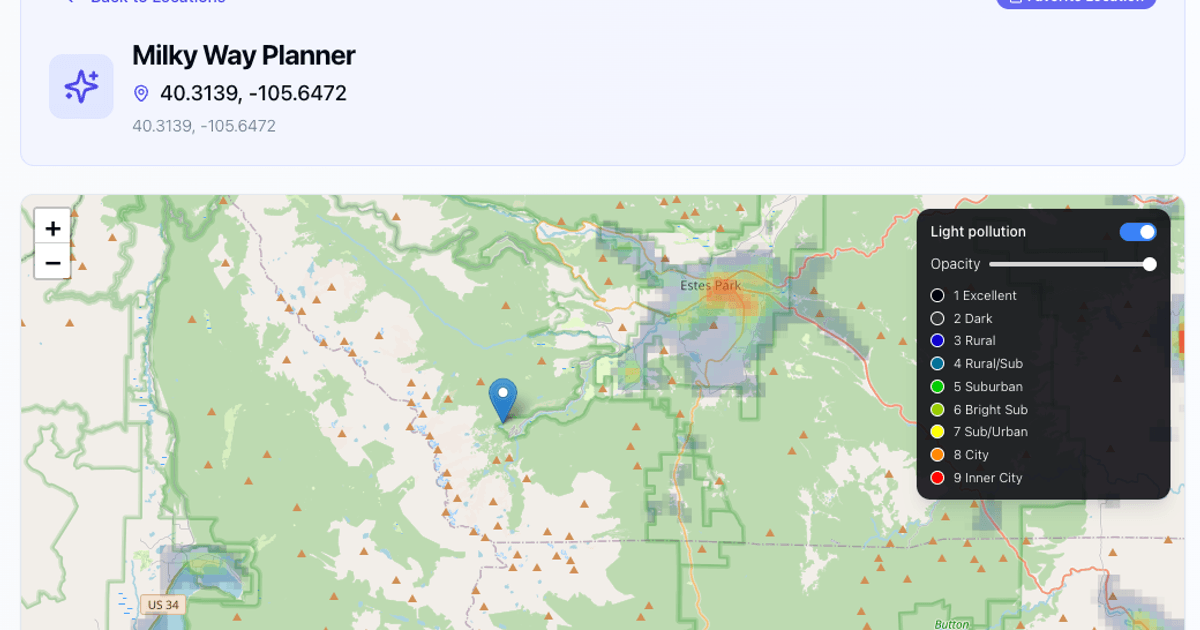
Milky Way Planner is a free web tool that shows nightly Milky Way visibility, galactic core timing, and moon phases for any location.
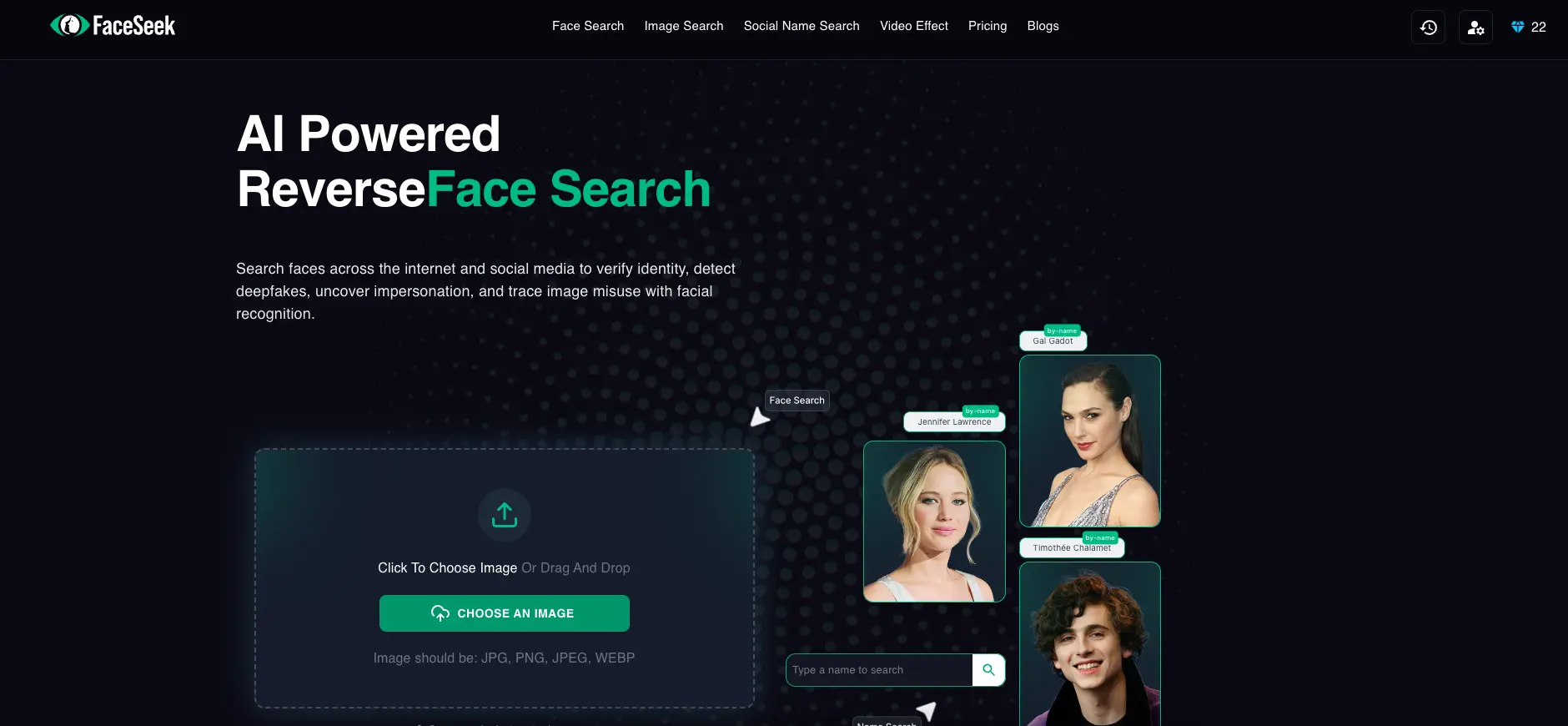
FaceSeek offers a paid reverse‑image tool to flag catfish, but its marketing claims lack independent verification.
Get the badge
For the Rabbit Labs teamShow your customers this audit was independently verified. Paste this HTML anywhere on your site — the badge auto-updates if our audit changes.