

Overview
The summaryGatling.chat positions itself as a desktop‑only messenger built specifically for LinkedIn. It offers an “Inbox‑Zero” workflow that separates incoming messages into distinct inboxes, allows users to create follow‑up sequences, and stores reusable snippets, all accessible via keyboard shortcuts. The interface presents conversations with labels, reminders, and a three‑step warm‑intro sequence that automatically drafts and schedules messages based on user‑defined timing. By operating as a standalone macOS app, Gatling.chat claims to keep user activity within LinkedIn’s automation policies while streamlining the prospecting, recruiting, and networking processes. The product is aimed at professionals who spend large portions of their day on LinkedIn messaging—salespeople, recruiters, founders, and partners—who need a faster way to compose, track, and follow up on conversations without switching between LinkedIn’s web UI and other tools. Users start with a free seven‑day trial that requires no credit card, after which they may continue on a free tier or upgrade to a paid plan priced at $25. The site does not detail the exact feature set differences between these tiers, but the core functionality described revolves around inbox organization, sequence automation, and snippet insertion.
Gatling.chat is a Turbo Messenger for LinkedIn that lets users manage messages with inbox‑zero style sequencing, snippets, and desktop shortcuts.
What this product is
In plain languageGatling.chat positions itself as a desktop‑only messenger built specifically for LinkedIn. It offers an “Inbox‑Zero” workflow that separates incoming messages into distinct inboxes, allows users to create follow‑up sequences, and stores reusable snippets, all accessible via keyboard shortcuts. The interface presents conversations with labels, reminders, and a three‑step warm‑intro sequence that automatically drafts and schedules messages based on user‑defined timing. By operating as a standalone macOS app, Gatling.chat claims to keep user activity within LinkedIn’s automation policies while streamlining the prospecting, recruiting, and networking processes. The product is aimed at professionals who spend large portions of their day on LinkedIn messaging—salespeople, recruiters, founders, and partners—who need a faster way to compose, track, and follow up on conversations without switching between LinkedIn’s web UI and other tools. Users start with a free seven‑day trial that requires no credit card, after which they may continue on a free tier or upgrade to a paid plan priced at $25. The site does not detail the exact feature set differences between these tiers, but the core functionality described revolves around inbox organization, sequence automation, and snippet insertion.
From Gatling.chat's own site:“The Turbo Messenger for LinkedIn”
What makes Gatling.chat different?
vs. alternatives in this categoryGatling.chat differentiates itself by focusing exclusively on LinkedIn messaging and promoting an inbox‑zero philosophy. Rather than offering a multi‑channel platform, it provides a streamlined desktop experience that emphasizes keyboard‑driven composition, snippet reuse, and automated follow‑up sequencing—all while asserting compliance with LinkedIn’s automation policies. This narrow focus allows the product to tailor its UI and workflow specifically for LinkedIn’s conversation model, positioning it as a specialized tool for professionals whose primary outreach channel is LinkedIn.
Key features
From the product's own siteSplits LinkedIn messages into separate inboxes and lets users archive or label threads to keep the main view empty.
Allows multi‑step outreach sequences with configurable delays, automatically drafting follow‑up messages at set intervals.
Stores reusable message fragments that can be inserted with a shortcut, reducing typing and ensuring consistency.
Users can tag conversations and set reminder times (e.g., “next Wednesday”) that surface in the desktop UI.
Runs on macOS as a standalone client, aiming for a snappy experience and quick keyboard access.
Who it's for
Grounded in pricing, the site's own claims, and categoryShould use this
Gatling.chat is suited for individual professionals or small teams who conduct heavy LinkedIn outreach—sales, recruiting, or partnership roles—who need a structured, low‑friction way to manage follow‑ups. The $0‑to‑$25 pricing makes it accessible for budget‑conscious users while still offering a paid option for added capabilities.
Shouldn't use this
The tool is not ideal for organizations that require multi‑channel messaging across email, SMS, or other social platforms. Enterprises looking for deep analytics, CRM integration, or large‑scale automation may find the feature set too limited. Users unwilling to pay $25 for the paid tier after the free trial may also outgrow the free offering.
Use cases
Who uses this and whySales prospectors use Gatling.chat to run multi‑step outreach sequences on LinkedIn because it organizes follow‑ups and snippets without leaving the keyboard.
Recruiters use the app to manage candidate outreach, label conversations, and set reminders, keeping their LinkedIn inboxes clean and actionable.
Founders schedule warm introductions and track replies in a single desktop view, leveraging the inbox‑zero layout to stay on top of networking efforts.
Where we found it
Some coverage1 or 2 independent sources mention this product. We found 1 independent source. This is a count of places, not a judgement of whether the product's claims are true.
- Own siteProduct website
- Pricing pagePricing page
- Product HuntProduct Hunt listing
- Independent1 independent source — listed under “What others say” below
What works
Grounded in the site's own pages and the evidence foundThe site says the app is "Built to keep your account within LinkedIn’s rules on automation" and that it offers a "Free for 7 days" trial with "No card needed." The pricing page lists a Free tier at $0 and a Paid tier at $25, providing clear price points. External mentions on Reddit and Show HN describe the product as a "Turbo Messenger for LinkedIn," confirming the positioning.
What to know
Caveats, gotchas, and gapsPricing is limited to two tiers—Free ($0) and Paid ($25)—with no subscription period specified; the free tier includes a seven‑day trial that does not require a credit card. The site does not explain which features are restricted to the Paid tier, leaving the exact functional differences unclear. While the product claims compliance with LinkedIn’s automation rules, that claim is not independently verified. Coverage of Gatling.chat includes multiple independent sources, indicating a recent but visible launch.
Pros & cons
+Pros
- Clear focus on LinkedIn messaging reduces tool overload for sales and recruiting professionals.
- Keyboard‑driven snippets and sequences speed up message composition.
- Transparent pricing with a free tier and a low‑cost paid option.
−Cons
- Only available for macOS, limiting cross‑platform adoption.
- Feature differences between free and paid tiers are not detailed on the site.
- No integration with other communication channels or CRM systems.
What the site says
3 from its own pagesStatements taken from Gatling.chat's own pages, each with the page it came from. We list them; we do not rule on whether they are true.
- Free for 7 days.gatling.chat
- No card needed.gatling.chat
- Built to keep your account within LinkedIn’s rules on automation.gatling.chat
What others say
1 outside pagesPages from outside Gatling.chat's own site that are about this product. Open them and decide for yourself.
- Michael Lukaszczyk – Co-Founder Parano.ai | Gatling.chatde.linkedin.com/in/michael-lukaszczyk
Gatling.chat ... The turbo messenger for LinkedIn. Split inboxes, follow-ups, sequences and snippets, cleared from the keyboard. Co-Founder.
How we checked this one
Full methodologyThis review was produced by the SaaSNet.work pipeline — no hands-on testing, no payment from the product. Here's exactly what was checked for Gatling.chat.
We never tested the product hands-on and never accepted payment for this review. Spot something wrong? Request a correction.
Frequently asked questions
3 questionsIs Gatling.chat free?
Yes, Gatling.chat offers a Free tier at $0 and also provides a seven‑day free trial that requires no credit card.
How much does Gatling.chat cost?
The pricing page lists a Paid tier priced at $25; there is no subscription period disclosed.
What are Gatling.chat's main limitations?
The product only works on macOS, focuses solely on LinkedIn messaging, and does not disclose which features are limited to the Paid tier.
Looking for alternatives to Gatling.chat?
Browse all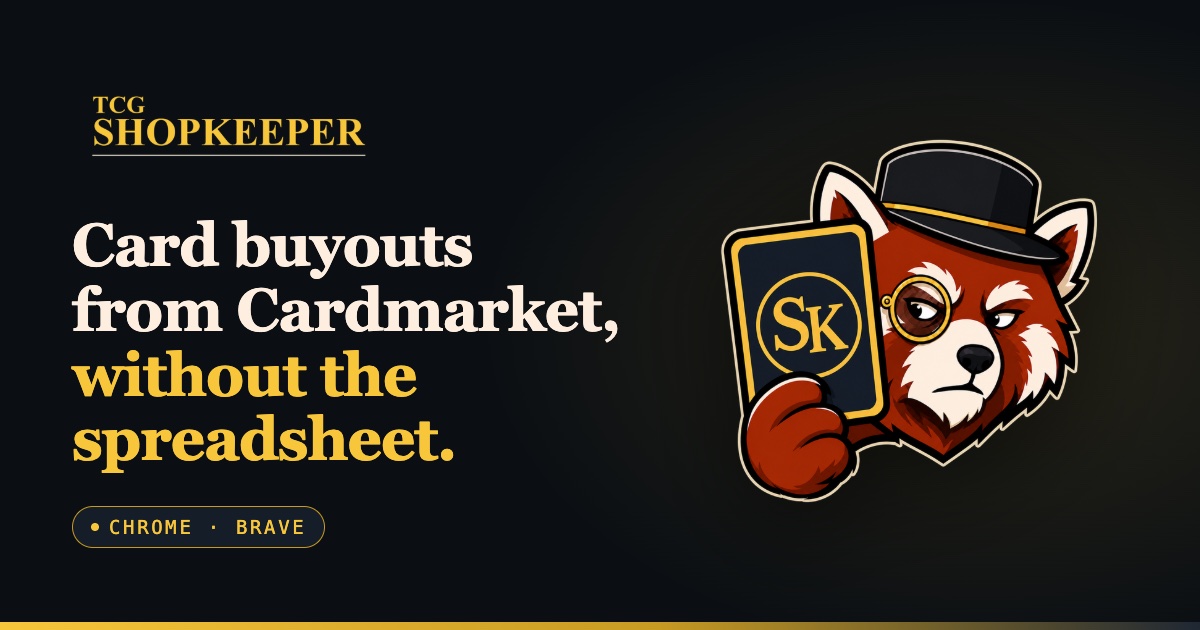
TCGshopkeeper is a Chrome/Brave extension that streamlines Cardmarket TCG card buyouts by automating price calculations and list management.
Speakeasy delivers an enterprise AI control plane that centrally governs agents, MCP servers, and Skills, providing unified policy enforcement and audit trails.
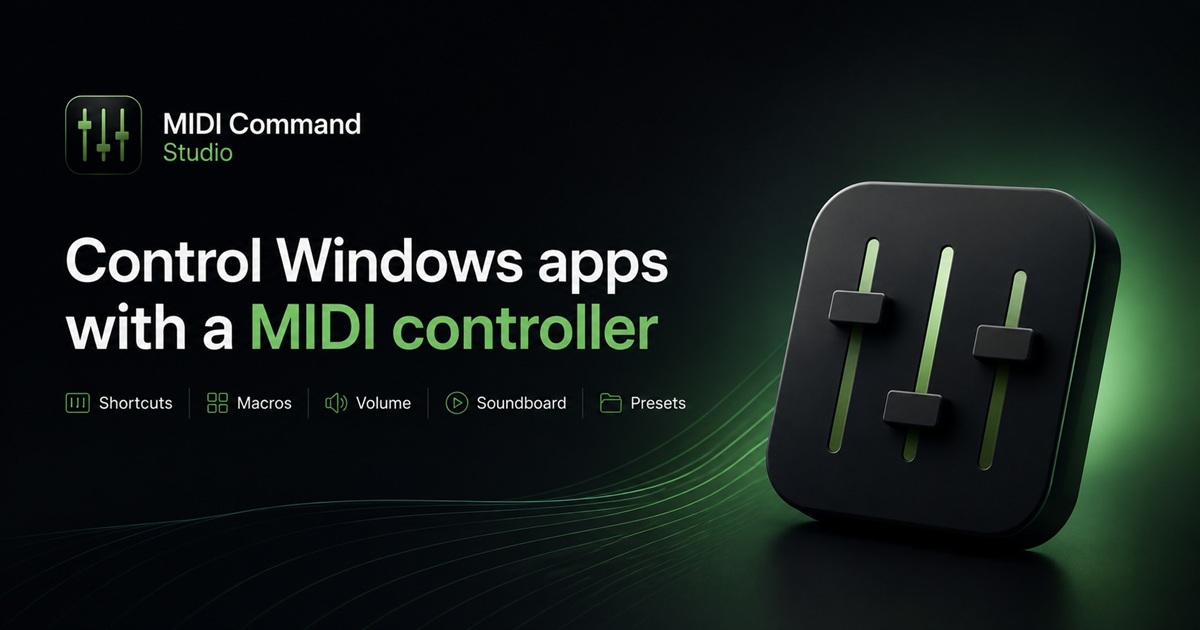
MIDI Command Studio lets Windows users map MIDI controller elements to shortcuts, macros and audio actions, with a free tier that limits presets and mappings.
Get the badge
For the Gatling.chat teamShow your customers this audit was independently verified. Paste this HTML anywhere on your site — the badge auto-updates if our audit changes.