
Overview
The summaryMIDI Command Studio is a Windows‑only application that enables users to assign MIDI controller buttons, pads, knobs, faders, encoders and jog wheels to a variety of system and application actions. The core workflow involves moving or pressing a control, then using the Mapping Editor to bind it to a keyboard shortcut, macro, volume target or other supported action. Presets let users switch between different controller layouts for tasks such as browsing, streaming, video editing, media playback or Windows audio control. The free version allows two presets per device, six mappings per preset, and one active device at a time, while a paid licence removes those limits. The software is marketed toward users who already own a MIDI controller and want to extend its utility beyond music production. By converting physical controls into global or app‑specific commands, the tool can streamline workflows for streamers, video editors, media players and any power user who prefers tactile shortcuts. The site lists features such as Windows audio volume control, keyboard shortcut mapping, multi‑step macros, preset‑based workflow switching, audio sample playback, and LED or motor‑fader feedback on compatible hardware.
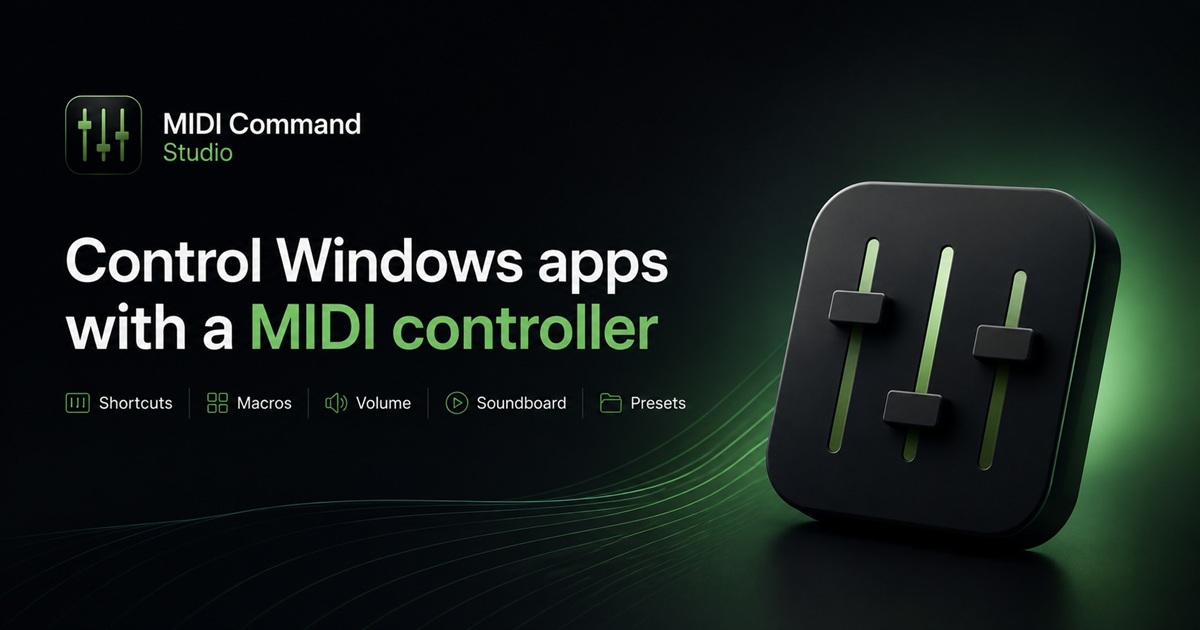
MIDI Command Studio lets Windows users map MIDI controller elements to shortcuts, macros and audio actions, with a free tier that limits presets and mappings.
What this product is
In plain languageMIDI Command Studio is a Windows‑only application that enables users to assign MIDI controller buttons, pads, knobs, faders, encoders and jog wheels to a variety of system and application actions. The core workflow involves moving or pressing a control, then using the Mapping Editor to bind it to a keyboard shortcut, macro, volume target or other supported action. Presets let users switch between different controller layouts for tasks such as browsing, streaming, video editing, media playback or Windows audio control. The free version allows two presets per device, six mappings per preset, and one active device at a time, while a paid licence removes those limits. The software is marketed toward users who already own a MIDI controller and want to extend its utility beyond music production. By converting physical controls into global or app‑specific commands, the tool can streamline workflows for streamers, video editors, media players and any power user who prefers tactile shortcuts. The site lists features such as Windows audio volume control, keyboard shortcut mapping, multi‑step macros, preset‑based workflow switching, audio sample playback, and LED or motor‑fader feedback on compatible hardware.
From MIDI Command Studio's own site:“MIDI controller mapping for Windows”
What makes MIDI Command Studio different?
vs. alternatives in this categoryMIDI Command Studio differentiates itself by focusing on non‑musical Windows workflows, positioning MIDI hardware as a general‑purpose input device rather than a music‑only controller. Its preset system, combined with the ability to map controls to system audio and multi‑step macros, offers a broader automation scope than many DAW‑centric MIDI tools. The inclusion of LED and motorised‑fader feedback for supported controllers adds a layer of tactile confirmation that most generic macro utilities lack, while the free version lets users evaluate the concept without a time‑limited trial.
Key features
From the product's own siteButtons, pads and other controls can be assigned to global or application‑targeted keyboard shortcuts, turning a MIDI controller into a shortcut panel.
Users can combine shortcuts, waits, mouse actions, text input and program launches into a single macro assigned to a MIDI control.
The app can map MIDI controls to system volume, individual application volume and supported input mute functions.
Presets allow quick switching between different control layouts for distinct apps or tasks, such as browsing, streaming or video editing.
LED, LCD and motorised‑fader feedback are supported on controllers that provide the necessary feedback messages.
Who it's for
Grounded in pricing, the site's own claims, and categoryShould use this
MIDI Command Studio is suited for individual power users or small teams who already own a MIDI controller and need a tactile way to trigger Windows shortcuts, macros or audio controls without developing custom software. Its $16.99 licence removes free‑tier limits, making it affordable for hobbyists and freelancers.
Shouldn't use this
The product may not fit users who lack a compatible MIDI controller or who require macOS or Linux support, as it is Windows‑only. Organizations needing enterprise‑level deployment, centralized licensing or extensive analytics will find the offering too limited.
Use cases
Who uses this and whyA live streamer uses MIDI Command Studio to map a X‑Touch controller’s faders to OBS scene transitions and audio mute controls, enabling hands‑free switching during broadcasts.
A video editor assigns timeline navigation shortcuts and clip‑marking commands to a MIDI pad controller, reducing reliance on keyboard shortcuts and speeding up the editing workflow.
A power user configures a MIDI keyboard’s knobs to adjust system volume and specific application volumes, allowing quick audio balancing while working across multiple programs.
Where we found it
Some coverage1 or 2 independent sources mention this product. We found 2 independent sources. This is a count of places, not a judgement of whether the product's claims are true.
- Own siteProduct website
- Pricing pagePricing page
- Product HuntProduct Hunt listing
- Independent2 independent sources — listed under “What others say” below
What works
Grounded in the site's own pages and the evidence foundThe site says the free version has no time limit and does not require an email sign‑up, and it provides two presets per device with six mappings each. Pricing is clearly disclosed at $16.99 USD for a licence. An OBS forum post notes that MIDI Command Studio now supports Mackie/MCU controllers with motorised faders, confirming hardware feedback capability.
What to know
Caveats, gotchas, and gapsThe paid licence is a one‑time $16.99 fee; there are no recurring subscriptions listed. The free tier limits you to a single active device, two presets and six mappings per preset, which may require a licence for more complex setups. The site does not specify which controllers support LED or motor‑fader feedback beyond saying “compatible hardware.” Coverage is well documented with three independent sources.
Pros & cons
+Pros
- Clear, single‑price licence eliminates hidden subscription fees.
- Free version provides unlimited evaluation without time limits.
- Supports both shortcut mapping and multi‑step macros for extensive automation.
−Cons
- Free tier restricts the number of presets, mappings and active devices.
- Windows‑only; no support for macOS or Linux platforms.
- Hardware feedback (LED, motor‑fader) works only with compatible controllers, which are not listed.
What the site says
3 from its own pagesStatements taken from MIDI Command Studio's own pages, each with the page it came from. We list them; we do not rule on whether they are true.
- The licence costs $16.99 USD.midicommandstudio.com
- The free version has no time limit and does not require an email sign-up.midicommandstudio.com
- The free version includes 2 presets per device, 6 mappings per preset, and 1 active device at a time.midicommandstudio.com
What others say
2 outside pagesPages from outside MIDI Command Studio's own site that are about this product. Open them and decide for yourself.
- MIDI Command Studio by Meltopia - Reviewskvraudio.com/product/midi-command-studio-by-meltopia/reviews
MIDI Command Studio has an average user rating of 5.00 from 1 review. Rate & Review MIDI Command Studio. User Reviews by KVR Members for MIDI Command Studio.Read more
- MIDICommandStudio - Redditreddit.com/r/MIDICommandStudio
MIDI Command Studio is a Windows only app that lets you use MIDI controllers for much more than controlling music software. You can map buttons, ...
How we checked this one
Full methodologyThis review was produced by the SaaSNet.work pipeline — no hands-on testing, no payment from the product. Here's exactly what was checked for MIDI Command Studio.
We never tested the product hands-on and never accepted payment for this review. Spot something wrong? Request a correction.
Frequently asked questions
3 questionsIs MIDI Command Studio free?
Yes, the product offers a free version with no time limit and no email sign‑up required, but it limits you to two presets per device, six mappings per preset, and one active device at a time.
How much does MIDI Command Studio cost?
The site states that a licence costs $16.99 USD; the pricing page lists this as the only paid tier.
What are MIDI Command Studio's main limitations?
In the free version you are limited to one active device, two presets per device and six mappings per preset. Advanced feedback such as LED or motor‑fader illumination works only with compatible hardware, which the site does not enumerate.
Looking for alternatives to MIDI Command Studio?
Browse allInboxRoute is an outbound outreach platform that merges email/SMS sequencing, a unified inbox, and list intelligence into one workspace.
HowAICite monitors AI‑driven buyer recommendations, showing who AI cites and why, with alerts for lost or won questions.

Macaly Cloud lets you generate full‑stack websites and apps from a single AI prompt, with a free publishing option.
Get the badge
For the MIDI Command Studio teamShow your customers this audit was independently verified. Paste this HTML anywhere on your site — the badge auto-updates if our audit changes.