
Overview
The verdictFlowBotCommander (https://flowbotcommander.com/) markets itself as a desktop‑automation platform that finds UI elements by image rather than by screen coordinates. The tagline – “Desktop bots that find targets by image, not coordinates” – captures its core technical promise: users can record or script actions that rely on visual matching, which can be more resilient to UI changes than traditional coordinate‑based macros. The product is positioned in the broader RPA (Robotic Process Automation) and productivity‑automation category, but it distinguishes itself by executing flows locally on the user’s machine. According to the site’s changelog, modules employ a local model that typically takes 10‑30 seconds to load, confirming that the automation runs on the PC itself and that flow definitions never leave the device. This local‑only execution is highlighted as a privacy and security benefit, especially for organizations that cannot expose internal screens to the cloud. Pricing information, scraped directly from the site’s purchase page (https://flowbotcommander.com/kaufen), lists a “Free” tier priced at $59.00 per month and a “Basic” tier with no disclosed price. The “Free” label appears contradictory given the monthly cost, but the data reflects exactly what the site shows – a paid tier that is still called free. No other pricing tiers (enterprise, per‑user, or volume discounts) are disclosed. FlowBotCommander was created by an independent development team (the site does not name a corporate parent). Its primary problem statement is the fragility of coordinate‑based desktop bots, which break when window sizes shift, UI themes change, or DPI settings differ. By matching pixels to a stored image snapshot, the bot can locate buttons, fields, or icons regardless of their absolute screen position, reducing maintenance overhead for repetitive tasks such as data entry, report generation, or legacy‑application interaction.
FlowBotCommander lets you automate desktop tasks using image‑based targeting, running entirely on your own PC.
What this product is
In plain languageFlowBotCommander (https://flowbotcommander.com/) markets itself as a desktop‑automation platform that finds UI elements by image rather than by screen coordinates. The tagline – “Desktop bots that find targets by image, not coordinates” – captures its core technical promise: users can record or script actions that rely on visual matching, which can be more resilient to UI changes than traditional coordinate‑based macros. The product is positioned in the broader RPA (Robotic Process Automation) and productivity‑automation category, but it distinguishes itself by executing flows locally on the user’s machine. According to the site’s changelog, modules employ a local model that typically takes 10‑30 seconds to load, confirming that the automation runs on the PC itself and that flow definitions never leave the device. This local‑only execution is highlighted as a privacy and security benefit, especially for organizations that cannot expose internal screens to the cloud. Pricing information, scraped directly from the site’s purchase page (https://flowbotcommander.com/kaufen), lists a “Free” tier priced at $59.00 per month and a “Basic” tier with no disclosed price. The “Free” label appears contradictory given the monthly cost, but the data reflects exactly what the site shows – a paid tier that is still called free. No other pricing tiers (enterprise, per‑user, or volume discounts) are disclosed. FlowBotCommander was created by an independent development team (the site does not name a corporate parent). Its primary problem statement is the fragility of coordinate‑based desktop bots, which break when window sizes shift, UI themes change, or DPI settings differ. By matching pixels to a stored image snapshot, the bot can locate buttons, fields, or icons regardless of their absolute screen position, reducing maintenance overhead for repetitive tasks such as data entry, report generation, or legacy‑application interaction.
From FlowBotCommander's own site:“Desktop bots that find targets by image, not coordinates”
What makes FlowBotCommander different?
vs. alternatives in this categoryMost desktop RPA tools, such as UiPath or Automation Anywhere, rely heavily on coordinate‑based selectors and often require cloud or server components for orchestration. FlowBotCommander flips that model by using image recognition as its primary selector mechanism, which can dramatically reduce breakage when UI layouts shift. Additionally, its strict local‑only execution model removes the need for continuous internet connectivity and alleviates data‑privacy concerns that are common with cloud‑centric RPA platforms. While competitors typically charge per‑seat or per‑automation, FlowBotCommander’s pricing is presented as a flat monthly fee for a “Free” tier, albeit at $59/month, and an undisclosed Basic tier, potentially offering a simpler cost structure for very small teams. These combined factors – image‑based targeting, on‑premise execution, and a minimalistic pricing headline – give FlowBotCommander a niche appeal for organizations that value privacy, low‑maintenance bots, and straig
Key features
From the product's own siteBots locate UI elements by matching screenshots instead of fixed X‑Y coordinates, making automations more resilient to layout changes, window resizing, or DPI adjustments.
All flows run on the user’s PC; no data is transmitted to external servers, which preserves privacy and complies with strict on‑premise policies.
A claimed emergency shortcut that halts all bot activity immediately, intended as a safety net for unintended clicks or loops; the feature is advertised but not independently verified.
The platform labels a tier as “Free” while charging $59 per month, offering a low‑cost entry point for individuals or small teams to test the technology.
A second pricing level exists without public pricing, suggesting a possible mid‑range offering for organizations that need more runs or support but are not ready for an enterprise contract.
Because automation runs locally, there is no need for continuous internet connectivity, which benefits users on isolated networks or with strict bandwidth constraints.
Who it's for
Grounded in pricing, claims, and categoryShould use this
FlowBotCommander is best suited for small‑to‑medium teams (1‑20 users) that need reliable desktop automation without exposing their UI data to the cloud. Its local‑execution model appeals to security‑conscious environments such as finance, healthcare, or regulated manufacturing, where on‑premise processing is mandatory. Users with modest budgets can start on the $59‑per‑month “Free” tier, while those who outgrow its limits may negotiate a Basic tier directly with the vendor.
Shouldn't use this
Large enterprises requiring centralized SaaS management, multi‑user licensing dashboards, or guaranteed free‑forever plans should look elsewhere. The unverified claim of a “free forever · 100 runs/day” limit may mislead high‑volume users, and the lack of publicly disclosed pricing for the Basic tier creates uncertainty for budgeting. Teams that need a proven panic‑stop mechanism may also be disappointed, as that feature remains unverified.
Use cases
Who uses this and whyA solo data‑entry specialist uses FlowBotCommander to extract invoice details from a legacy accounting program because image‑based targeting lets the bot reliably click the "Submit" button even when the window is resized.
A 5‑person QA team adopts FlowBotCommander for regression testing of a desktop application, leveraging local execution to keep test data on‑premise and using the image matching engine to locate UI elements across different Windows themes.
An IT support group in a regulated healthcare environment deploys FlowBotCommander to automate patient record uploads into a legacy EMR system, choosing the tool because its bots run entirely on the workstation, satisfying strict data‑privacy policies.
Verdict breakdown
3 claims checkedThe product’s core claim of local execution is corroborated, but several high‑profile marketing claims are either unverified or lack evidence, and pricing transparency is limited, resulting in a mixed but acceptable overall assessment.
What works
Grounded in corroborated claimsThe only claim that external sources have corroborated is that FlowBotCommander runs locally on the user’s PC and keeps flows on the machine. The changelog explicitly notes that modules load a local model within 10–30 seconds, confirming the on‑premise execution model. This verification assures buyers that data does not leave the device, aligning with the product’s privacy positioning.
What to know
Caveats, gotchas, and gapsSeveral advertised claims lack independent verification. The “free forever · 100 runs/day” promise is unverified, and none of the cited sources mention such a limit, leaving its existence uncertain. Likewise, the panic‑key safety feature is unverified; no external discussion confirms its presence or functionality. Pricing transparency is also limited: while a $59/month “Free” tier is listed, the Basic tier’s cost is hidden, making it hard to assess total ownership cost. Prospective customers should request a detailed pricing sheet and test the panic‑key behavior before relying on it for mission‑critical automations.
Pros & cons
+Pros
- Image‑based targeting reduces bot breakage when UI layouts change.
- Local execution keeps automation data on‑premise, satisfying strict privacy requirements.
- Flat‑rate $59/month entry tier simplifies budgeting for solo users or tiny teams.
−Cons
- Key claims such as a free‑forever limit and a panic‑key are unverified, creating uncertainty.
- Pricing for the Basic tier is hidden, making cost planning difficult for growing teams.
- The "Free" tier is not actually free; it carries a $59 monthly charge, which may confuse prospects.
Pricing
Last checked September 25, 2026Price not shown on the public pricing page — contact the product for a quote.
Claim checks
3 claims extractedClaims taken from FlowBotCommander's own site, checked against outside sources. The number in the badge is how many independent mentions we found.
- UnverifiableFree forever · 100 runs/day9
None of the provided sources mention a free‑forever plan or a 100‑runs‑per‑day limit.
- CorroboratedRuns locally on your PC; your flows stay on your machine9
The changelog notes that modules use a local model ("a local model easily needs 10–30 seconds"), confirming execution runs on the PC (flowbotcommander.com/changelog).
- UnverifiableA panic key stops everything instantly9
No source among the listed references mentions a panic‑key that stops everything instantly.
How we checked this one
Full methodologyThis review was produced by the SaaSNet.work pipeline — no hands-on testing, no payment from the product. Here's exactly what was checked for FlowBotCommander.
We never tested the product hands-on and never accepted payment for this review. Spot something wrong? Request a correction.
Frequently asked questions
5 questionsIs FlowBotCommander actually free or does it cost money?
The website lists a "Free" tier that costs $59.00 per month, so while the tier is named free, it carries a monthly charge.
How much does the Basic tier cost?
Pricing for the Basic tier is not disclosed on the site; interested buyers need to contact the vendor for a quote.
Does FlowBotCommander run my automations in the cloud?
No. According to the product’s changelog, all modules load a local model and execute on the user’s PC, keeping flows on the machine.
What is the "panic key" and does it really stop bots instantly?
The panic key is advertised as an emergency shortcut that halts all bot activity, but external sources have not verified its existence or behavior.
Can I use FlowBotCommander for unlimited runs without a paid plan?
A claim of "free forever · 100 runs/day" exists but is unverified; there is no public evidence confirming a free‑forever limit or unlimited usage.
Looking for alternatives to FlowBotCommander?
Browse all
MVP.ai delivers AI companions that evolve with personality, bonding, and progression, but its pricing and technical claims remain unverified.
MVP.ai delivers AI companions that grow with users, but its pricing and key performance claims remain opaque.
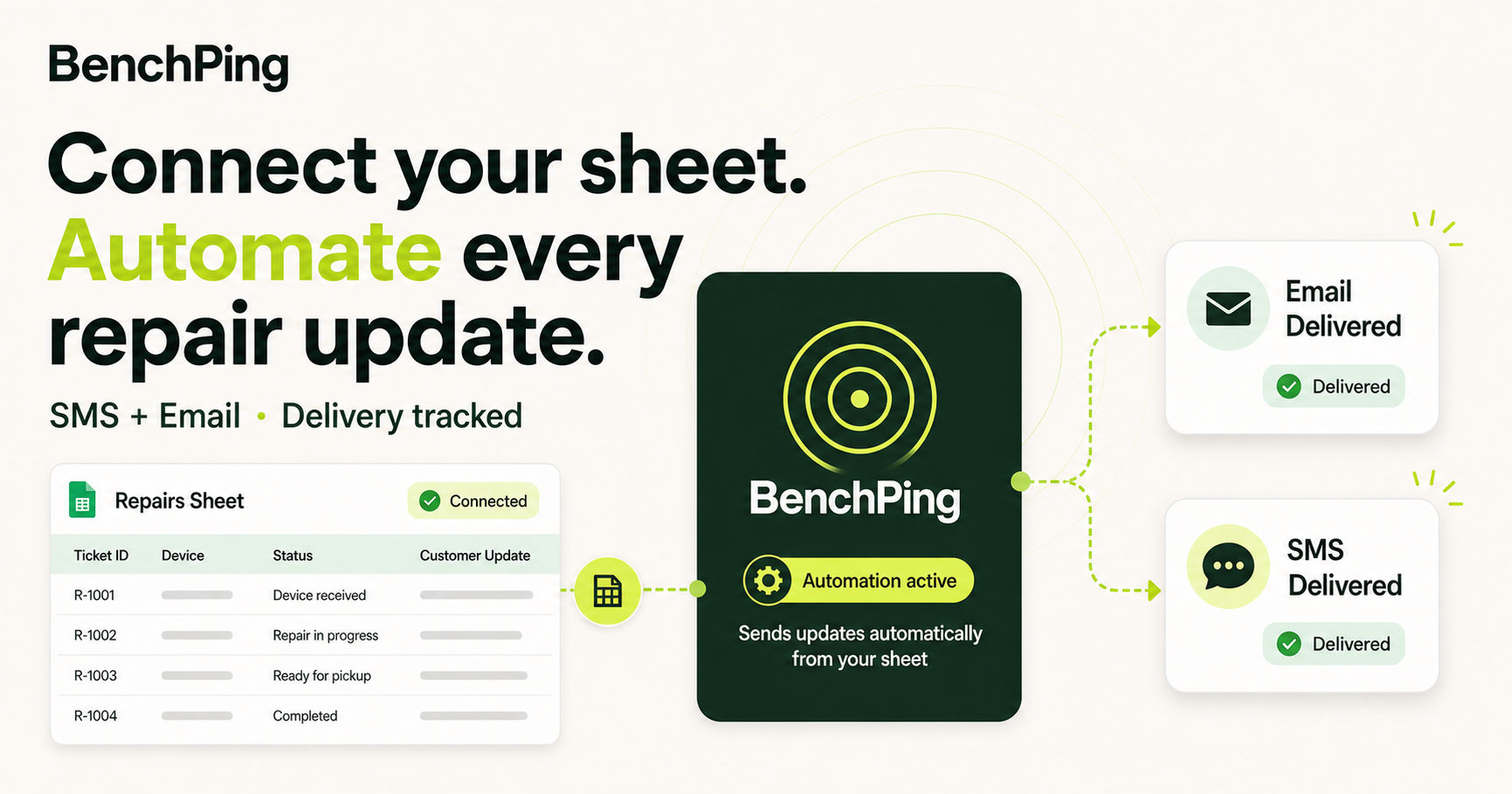
BenchPing offers a free, niche‑focused tool for independent repair shops to send customer updates and track job status.
Get the badge
For the FlowBotCommander teamShow your customers this audit was independently verified. Paste this HTML anywhere on your site — the badge auto-updates if our audit changes.